问题
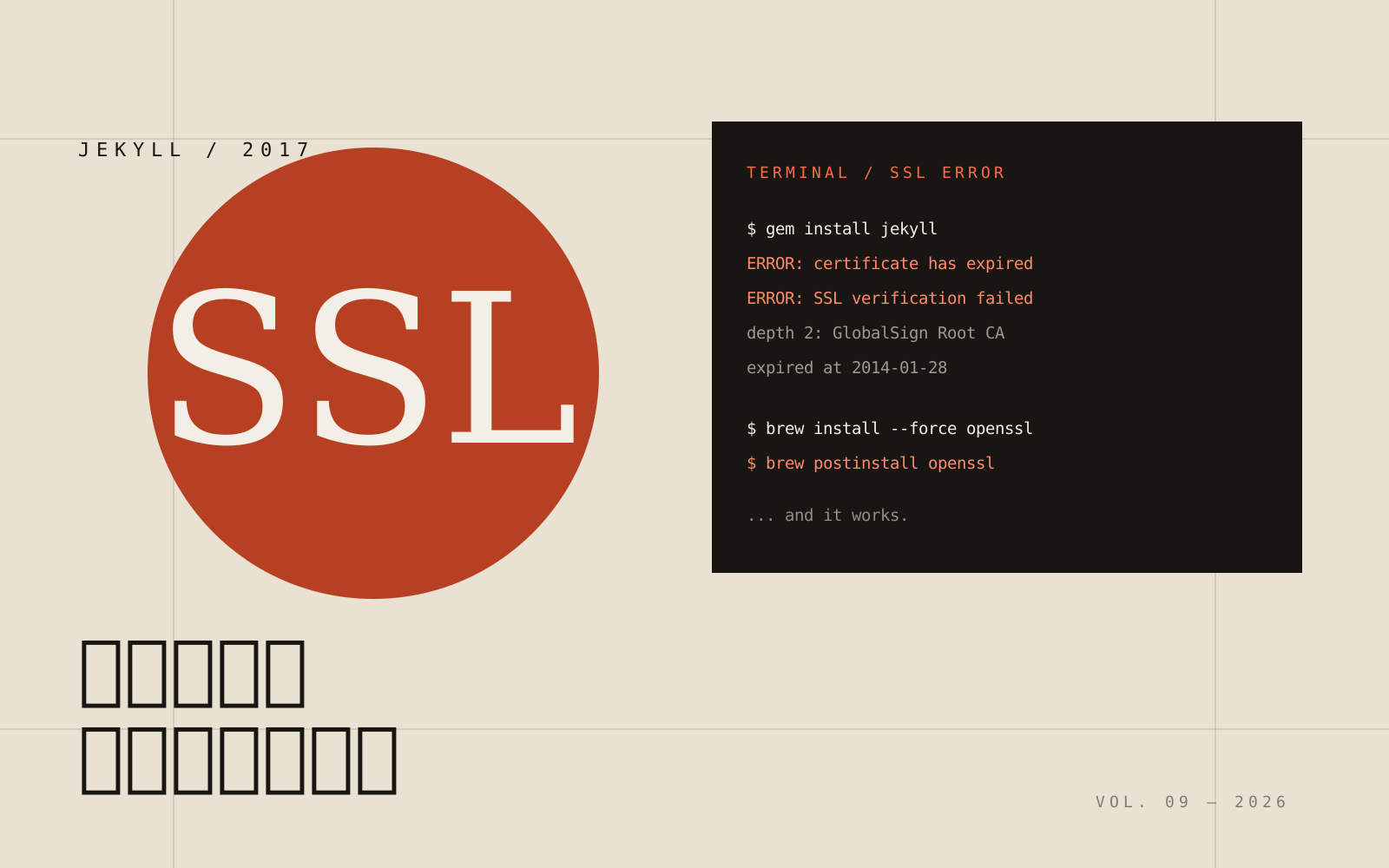
以前的 Jekyll 可能是安装在 vagrant 里,太久没用记不得了,于是现在想在 mac 里直接安装,gem install jekyll 报错。
挫折
然后就是好几个小时的踩坑。
apple@macbookpro13 ~/Documents/code/docker/apache $ gem install jekyll
ERROR:  SSL verification error at depth 2: certificate has expired (10)
ERROR:  Certificate /C=BE/O=GlobalSign nv-sa/OU=Root CA/CN=GlobalSign Root CA expired at 2014-01-28T12:00:00Z
ERROR:  SSL verification error at depth 2: certificate has expired (10)
ERROR:  Certificate /C=BE/O=GlobalSign nv-sa/OU=Root CA/CN=GlobalSign Root CA expired at 2014-01-28T12:00:00Z
ERROR:  SSL verification error at depth 2: certificate has expired (10)
ERROR:  Certificate /C=BE/O=GlobalSign nv-sa/OU=Root CA/CN=GlobalSign Root CA expired at 2014-01-28T12:00:00Z
ERROR:  Could not find a valid gem 'jekll' (>= 0), here is why:
          Unable to download data from https://rubygems.org/ - SSL_connect returned=1 errno=0 state=SSLv3 read server certificate B: certificate verify failed (https://api.rubygems.org/specs.4.8.gz)
ERROR:  SSL verification error at depth 2: certificate has expired (10)
ERROR:  Certificate /C=BE/O=GlobalSign nv-sa/OU=Root CA/CN=GlobalSign Root CA expired at 2014-01-28T12:00:00Z
网上查资料完全没找到合适的解决措施,有说要手动下载 gem 并且更新,于是按这些方案尝试,完全没有效果。
解决
最后完全不按资料乱尝试了,自己想了想,有没有可能是我的 SSL 有问题呢?于是用如下命令:
brew install openssl
# 提示我要加 --force 参数,于是改成
brew install --force openssl
# 然后再看了一下帖子,有的说如下命令可以更新 SSL 的证书
brew postinstall openssl
于是输入上述命令,然后再执行 gem install jekyll,安装成功。
“码农,特别是对一个系统不熟悉的码农,经常会碰到这样的问题:你为了安装一个软件 A,结果 A 要 B 先安装,B 要 C 先安装,最后你忙了几个小时,什么结果也没有,挫败打击,这个时候的心情一般是最郁闷的。”